
We build
digital services.
We bring AI to work.

Novera helps companies create digital products and improve the systems people use at work. We work with software, data and AI, from employee services to reporting and document processing.

Bring a specialist into your team, build a dedicated team, or ask us to deliver a project with an agreed outcome.

Explore our projects

Delegate the report.
Keep the conversation going.

The agent collects sales, prepares a forecast from your sources and returns with an update on the agreed upon date.

See the agent in action
You

Collect December sales by region.

AI agent

For December: 200 000 ₽. The Center brought in 60% of sales, the North 40%.

You

Send such a report once every two months.

AI agent

Okay. I'll send the next report March 1st.

Sales by region December

Report on closed CRM transactions

RegionSales, ₽Share
Central120 00060%
North80 00040%
Total200 000100%
Download CSV

What's changing
in the work of the department

Repetitive work gets its own order: a clear assignment, a verifiable result and a person who is involved when his answer is needed.

Task savedOnce every two months

Send sales by region.
On the first day of the month, on this dialogue.

Jan 1Delivered
to dialogue
Sales for December

200 000 ₽

Center: 120,000 ₽
North: 80,000 ₽

Mar 1New summary
in the same dialogue
Sales for February

220 000 ₽

Center: 132,000 ₽
North: 88,000 ₽

Same order. New period.Conditional CRM data

One order is enough

You specify what to prepare and when to repeat. The agent saves the order and sends the next result to the same dialog. There is no need to reassemble the request every time.

Answer with reason

When can the batch start?

After written confirmation of volume by the client.

Delivery procedure4.2

Preparing to launch a batch

Before starting the batch, the client confirms the scope in writing. Once confirmed, the team commits to the agreed plan.

Changes to the plan are agreed upon separately.

The answer and its basis are nearby.Illustrative example

Trace the answer to its source

Its base remains next to the result. The employee opens the document or source records, reviews the response, and decides whether it can be used further.

QuestionManContinue

A difficult case remains for a person

If there is not enough data or an employee’s decision is needed, the agent asks a question. After the answer, the task continues from where it left off.

Who is responsible
for your task

Involve the desired role, assemble a team, or transfer a project to Novera with an agreed upon result.

A specialist
for your team

You choose a person, set tasks and accept the job. He works in your process without hiring staff.

Connect a competency

Dedicated
team

Multiple roles lead a negotiated site. You set priorities and accept the result of the team.

Assemble staff for tasks

Where they stay
your data

First, let's figure out what can be transferred outside the company. Then we choose a processing method together with your security service.

Your company DocumentReply Local modelEverything stays inside

On your infrastructure

The documents, employee request, and model run on your infrastructure. To respond, the data does not need to cross its border.

Suitable when processing must remain in-house.

Your company Document Localmodel AllowedExternalmodel

Local and external models

First, the local model parses the request and chooses what can be passed on. The external model receives only the allowed part.

Here, the local model is involved in preparing the request.

Your companyDocument Closed fieldsCleaning Cleared textExternalmodel

Cleaning before cloud

The system removes closed fields from the text according to agreed upon rules. The cleared request is processed by the external model.

A local model is not needed in this scheme.

In all options, the employee receives access only to sources authorized to him. We determine which fields to hide, where to store data and which actions to confirm before connecting.

We start with one
well-defined task

Choose a task employees repeat regularly. That makes it easier to agree on the expected result and check whether the solution helps.

TaskCheckDepartment workDevelopment TaskCheckDepartment workDevelopment

We review how the task works today and build a first version using your examples. You and your employees try it, check the results and point out errors.

Once the result meets the agreed criteria, we connect the necessary systems and show employees how to use it. After launch, we review real usage and choose the next improvements together.

Before you start

Where to start if there are many tasks?

Start with a recurring task that has clear inputs and an expected result. We test quality on representative examples and agree on the first scope of implementation.

Can we connect our CRM and documents?

We check available integrations, data structures and company restrictions. The first stage includes the specific sources needed for the chosen task.

Who checks the result?

Required fields and calculations are checked against agreed rules. Ambiguous cases go to an employee. We define which actions the agent may take independently and which require confirmation.

What happens after launch?

We review errors and usage, then suggest improvements. You choose the next priority. Support and further development are scoped and agreed in advance.

Examples of tasks
and solutions

Management report, product recognition and packaging printing verification.

IT support workload

Five working days

Received12
Closed8
In operation4
ReceivedClosed
Tickets
By the end of the week, 4 requests remain in progress.
75%

6 from 8 closed requests - on time

Analytics and reporting

How the support load changes

The report compares received and closed requests for the week. You can see what is left in the work and how many requests were closed on time. A detailed example shows how to move from metrics to source records.

Open report

Computer vision

Illustration: Customer removing package from shelf
24product types
in model training

See what's left on the shelf

The customer needed to check the availability of goods and display remotely. We linked the cabinet cameras with recognition and a web interface: the snapshot turns into a list that can be checked against the image.

Product recognition history
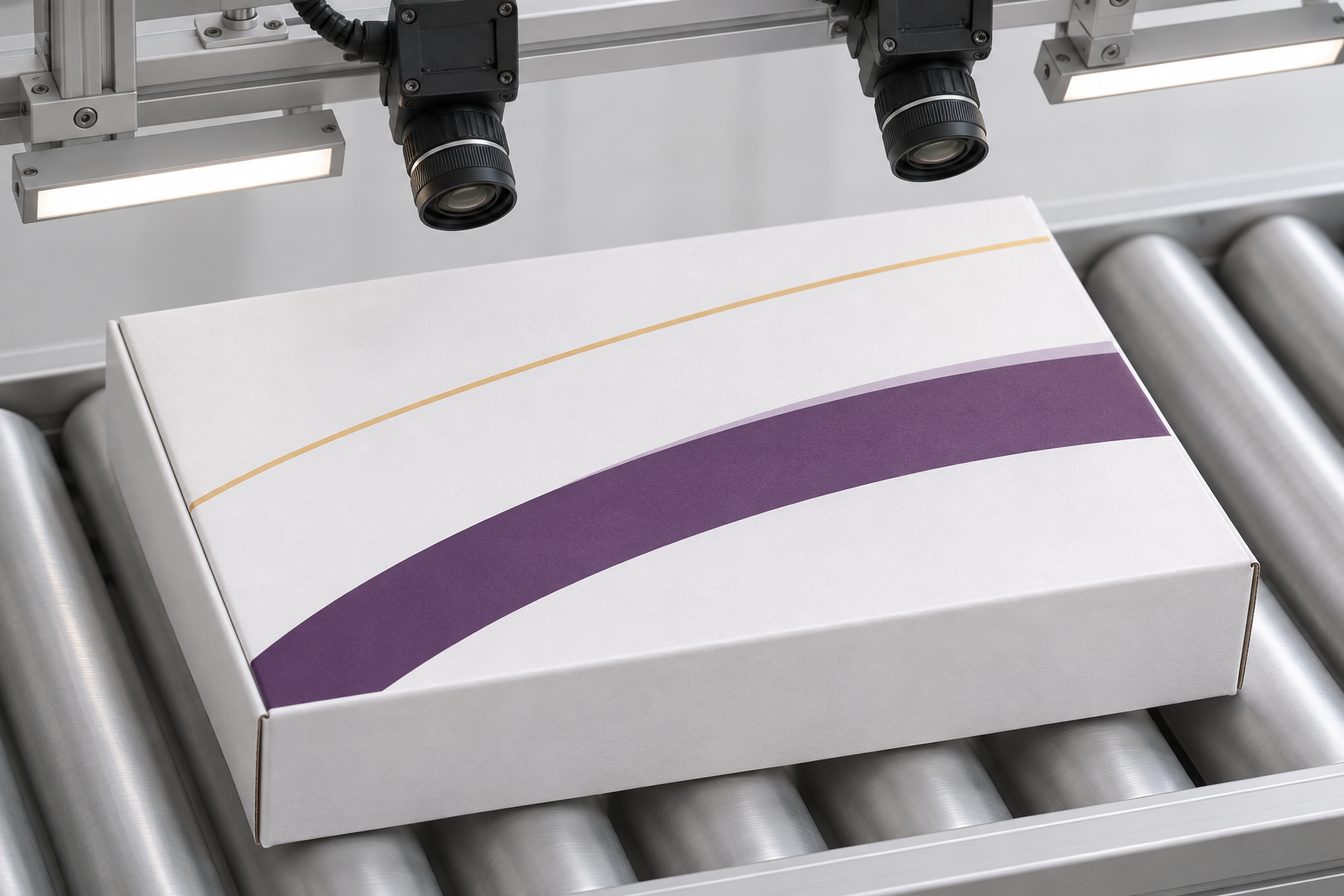
Illustration: Camera checking seal on packaging
2check type:
offset and duplication

Find print defects
in print

The customer needed to find the offset and repeat of the pattern using video from a production camera. We put together a prototype that compares the print to a reference and notes the discrepancy. The operator is left with a frame with a specific area to analyze.

Print Check History

Let's discuss the problem
your team

Describe the current work and the desired result. Let's prepare the basis for a substantive conversation.

First conversation

Prepare an enquiry

Provide the context for our conversation. You can copy or download the enquiry; this form does not send it.